

Using Cloaked
The first Cloaked client takes the form of a Farcaster mini-app. Crypto social platforms associate usernames and social graphs with onchain addresses, making balances and transaction history easy to inspect. The mini-app provides a simple interface for receiving and spending via stealth addresses, allowing users to engage socially without exposing their financial history to hostile or merely curious observers.
Registration
To get started with Cloaked, you'll need to complete registration:
- Sign in — Authenticate with your Farcaster account
- Create a PIN — Enter a 4-digit PIN that you'll use to access your account.
- Sign a message — Your wallet will prompt you to sign a message. This signature is used to generate your stealth address keys.
- Choose your ENS subdomain — Select a unique subdomain (like
username.clkd.eth) that others will use to send you funds. You can generate a random one or choose your own.
Receiving Funds
Best practice is to create a new stealth address for each deposit. This prevents onchain observers from linking multiple payments to you.
Upon registration, you receive your own ENS subdomain (e.g., username.clkd.eth). Each time someone sends funds to this ENS name, a fresh stealth address is automatically generated for that payment.
You can also share a direct payment page link at <username>.clkd.id. Each time this page is refreshed, it generates a new stealth address, making it easy to share a unique payment link for each transaction.
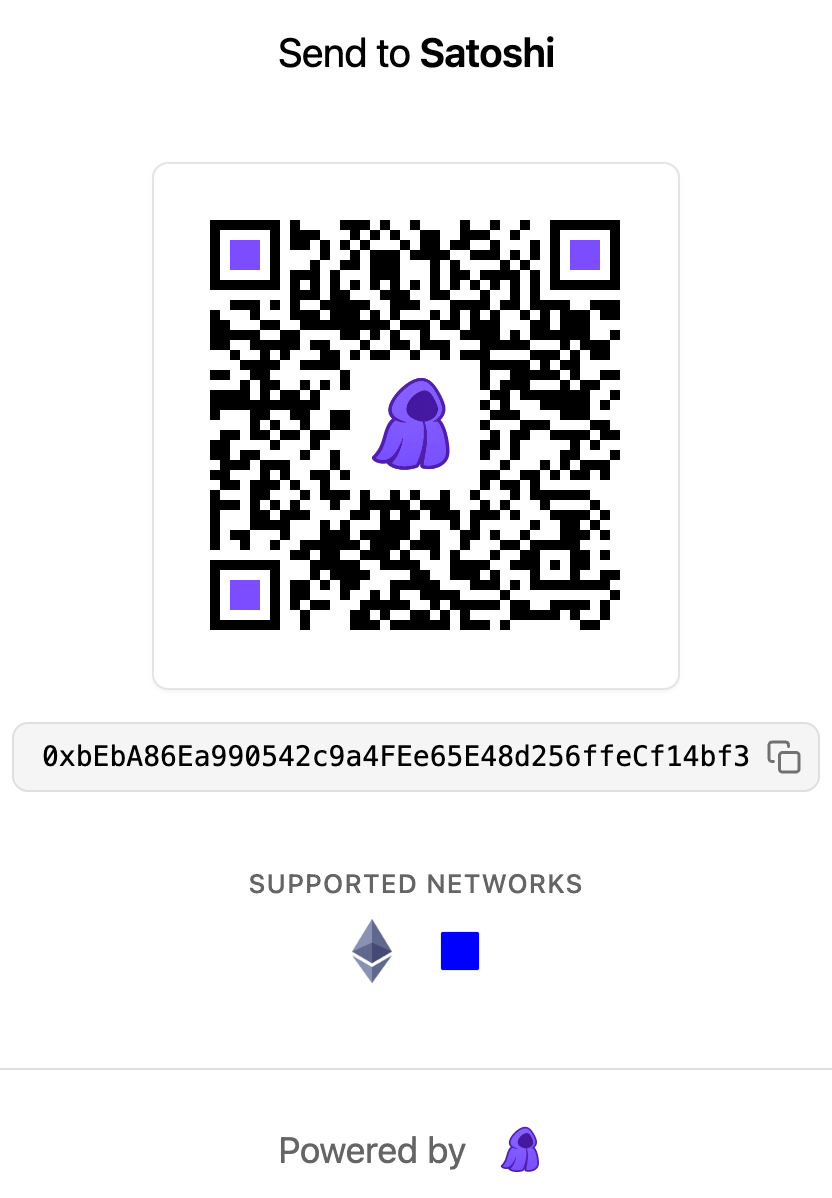
Example of the shareable payment page link for satoshi.clkd.id
The Cloaked mini-app automatically displays when funds are received, showing your aggregated balance across all your stealth addresses.
Sending Funds
To send funds:
- Enter amount and destination — In the Cloaked mini-app, select the asset and chain, enter the amount, and provide the destination address
- Review the quote — Cloaked optimizes input selection across your stealth addresses to cover the amount, calculates the required fees, routes any change to a new stealth address, and surfaces the quote for your review
- Enter your PIN — Confirm the transaction by entering your 4-digit PIN
- Sign with your wallet — Your wallet will prompt you to sign the transaction
- Transaction submitted — Once signed, the transaction is submitted onchain